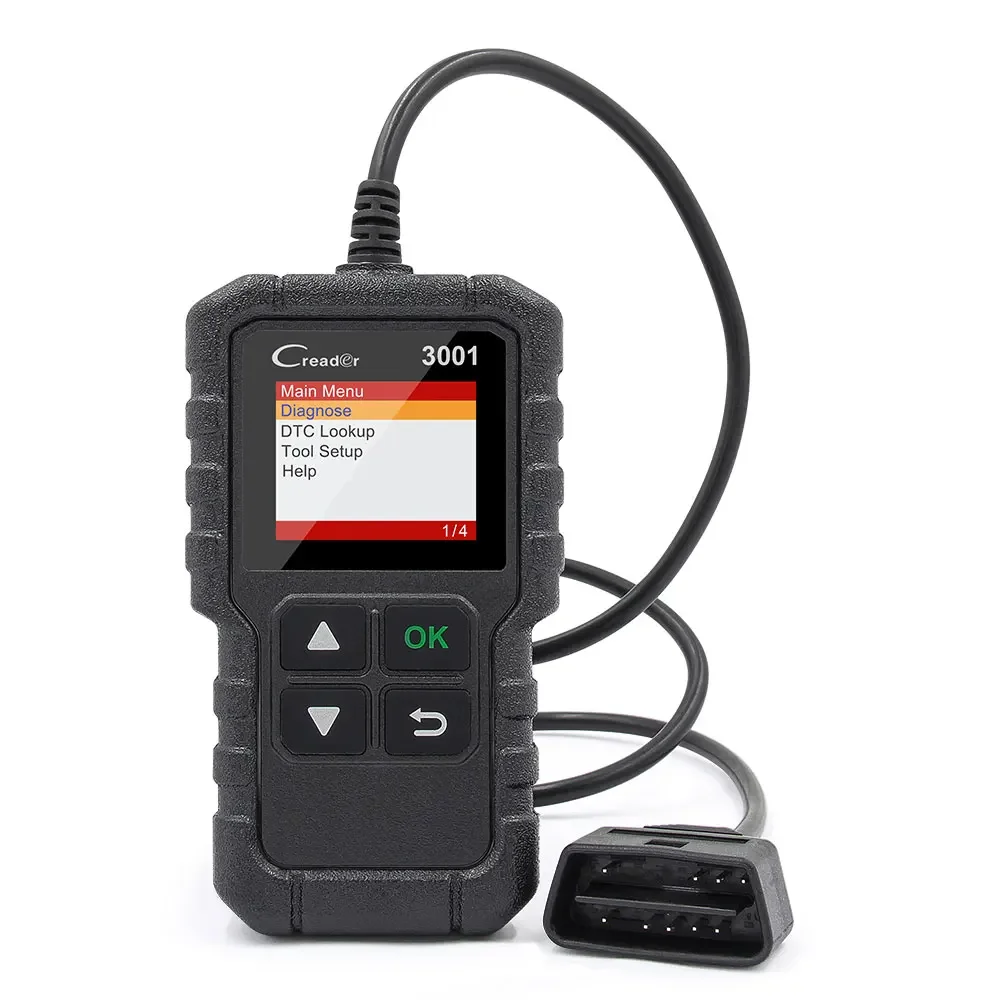
LAUNCH X431 CR3001 Diagnostic Tool

LAUNCH X431 CR3001 Diagnostic Tool
1. Powerful Code Reading & Clearing
○ Reads and clears engine system fault codes, with a built-in fault code definition lookup library for easy understanding.
○ Compatible with most 1996 and newer US-based OBDII-compliant vehicles (supports KWP2000, ISO9141, J1850 VPW, J1850 PWM, and CAN protocols).
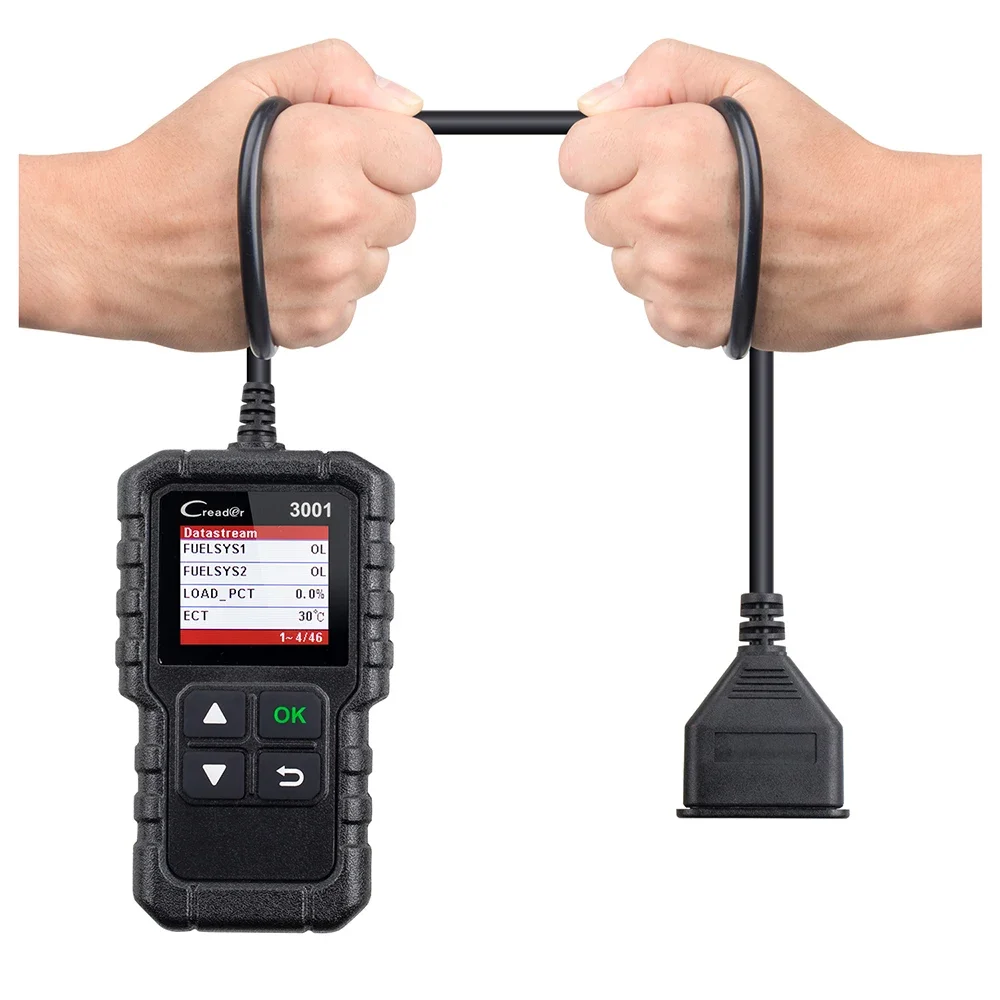
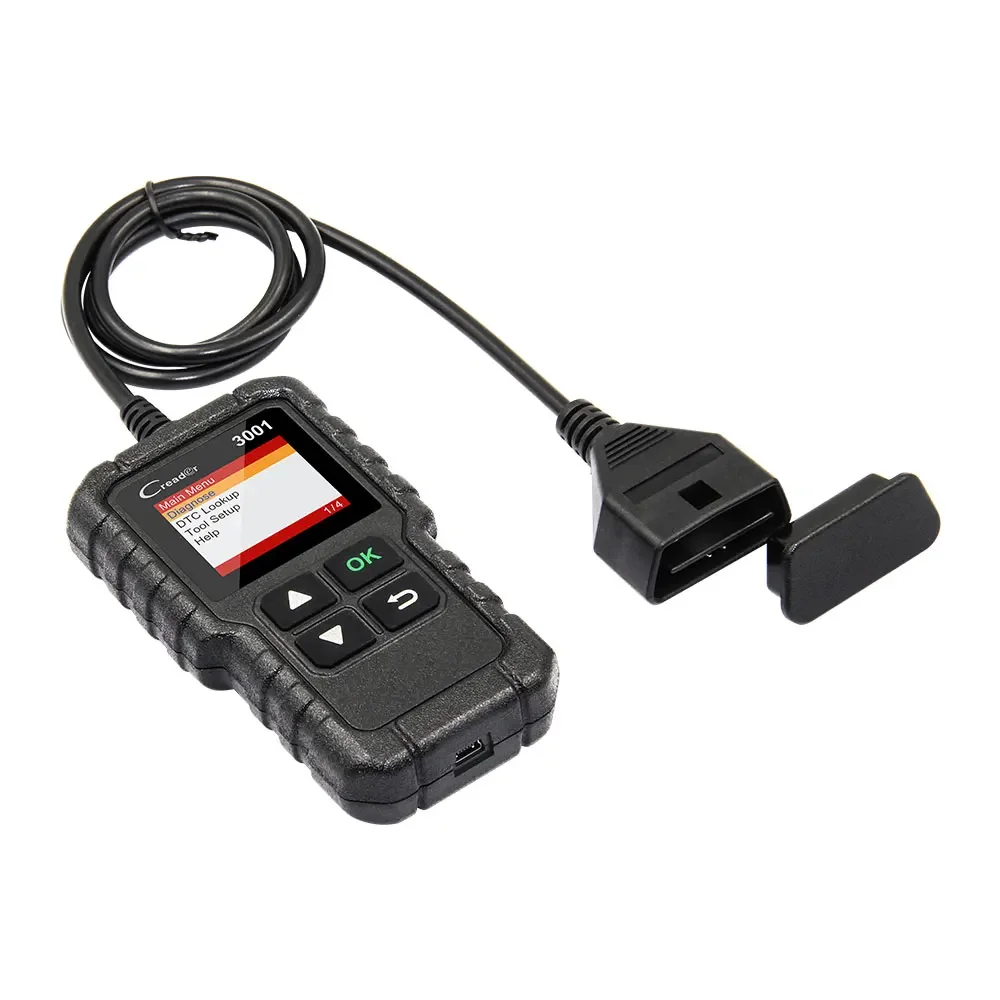
○ "Plug and play" design with a 2.5-foot-long cable (thick, flexible insulation) makes it beginner-friendly.
2. I/M Readiness Status Test
○ Checks the status of emission-related monitors (e.g., misfire system, fuel system) to ensure compliance before smog checks, helping pass inspections easily and avoid fines.
3. Check Engine Light Control & VIN Identification
○ Turns off the Malfunction Indicator Lamp (MIL) after repairing faults and clearing codes.
○ Reads vehicle information such as the VIN (Vehicle Identification Number).
4. Full-Function OBD2 Diagnostics
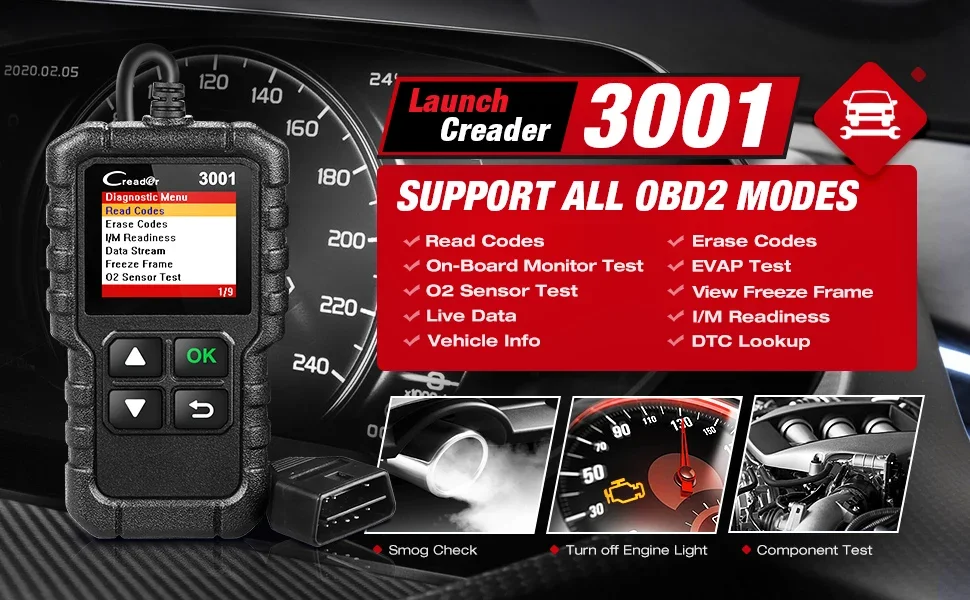
○ A cost-effective tool with comprehensive features: freeze frame viewing, live data stream reading, O2 sensor testing, EVAP system testing, and on-board monitor testing.
○ Reads real-time engine data to quickly detect vehicle issues, reducing trips to mechanics.
5. Trusted Quality & Support
○ Includes a 1-year warranty and a 100% money-back guarantee (no questions asked for returns).
○ Committed to high-quality products and friendly customer service.
Why Choose 2024 Elite Version LAUNCH Creader 3001 ?
LAUNCH Creader 3001 is a obd2 full functions scan tool, support over 100000+ car models, enhanced and plug&play obd2 scanner with LIFETIME FREE UPDATE.
Have you encounter the following issues before?
● I bought similar diagnostic scanner before, and found it reads codes very slow ,and ended up throwing it in the garbage, and turn to a reliable brand...
● Tired of paying 500-1000 usd per visit to the mechanic ? smh... (magically every problem, no matter how big or small, cost about the same to fix)
● I fixed the issue of my car but check engine warning light stays on?
● I had an OBD2 code reader around 50-100 USD, and found it cannot even read misfire counts?
If yes, You need a good partner :LAUNCH Creader 3001 2024 Elite Version .no matter you are DIYer or Car enthusiast,this is a true car scanner you always dream of .
What is different between LAUNCH Creader 3001 car scanner and AD310/al319 code reader ?
● They all works onore function, it can do O2 Sensor test , Evap system test, On-Board monitor test functions.
LAUNCH Creader 3001 is obd2 scanner for engine system with full functions of obd2.
● Read Codes , Erase Codes, Reset Check Engine Light, I/M Readiness, Data Stream View, Freeze Frame, O2 Sensor Test, On-Board Monitor Test, EVAP System Test, Vehicle Info, DTC Lookup Library .

LAUNCH CR3001 is a high-quality automotive scanner, supports all OBD-II protocols
● SAE J1850 PWM (41.6K baud)
● SAE J1850 VPW (10.4K baud)
● ISO 9141-2 (5 baud init,10.4K baud)
● ISO 14230-4 KWP (5 baud init,10.4 Kbaud)
● ISO 14230-4 KWP (fast init,10.4 Kbaud)
● ISO 15765-4 CAN (11bit ID,500 Kbaud)
● ISO 15765-4 CAN (29bit ID,500 Kbaud)
● ISO 15765-4 CAN (11bit ID,250 Kbaud)
● ISO 15765-4 CAN (29bit ID,250 Kbaud)
Full OBDII/EOBD Service Modes
LAUNCH CR3001 OBD2 universal check engine light tool is made to easily read and erase engine codes. It is an enhanced OBD II and EOBD scanner that covers all obd2 protocols services, therefore it will work with virtually any vehicle equipped with obd2.
The full function of CR3001
1. Read and erase fault codes
Read DTCs (Diagnostic Trouble Codes) to locate the issues,Clear DTCs to turn off the Check Engine Light after certain repairs
2. Live Data Viewing
Live data are displayed in a time-based chart to help customers to better analyze the abnormal parameter.This function will let you see engine performance information, if there are any trouble codes or issues with your engine or ECU.
3. Freeze Frame
Check the certain vehicle conditions which are recorded by the on-board computer at the time the emission-related fault occurs. It intended to provide you with a guide as to where a fault might be occurring within a vehicle.
4. I/M Readiness Status
Shows whether the various emissions-related systems on the vehicle are operating properly and are ready for inspection and maintenance testing.
5. O2 Sensor Test
Allows retrieval and viewing of O2 sensor monitor test results for the most recently performed tests from the vehicle’s on-board computer.
6. On-Board Monitor Test
etrieves and displays test results for emission-related powertrain components and systems. Which is a way to find out if the engine has any misfire or compression problems on a particular cylinder, or other data that might indicate a problem but isn’t severe enough to trigger a check engine light.
7. Read Vehicle Information
Display the information such as VIN (Vehicle Identification Number), CID (Calibration ID) and CVN (Calibration verification number), etc.
8. Component Test
Certain vehicle components can be actuated by commands sent from the scanner to test their operability
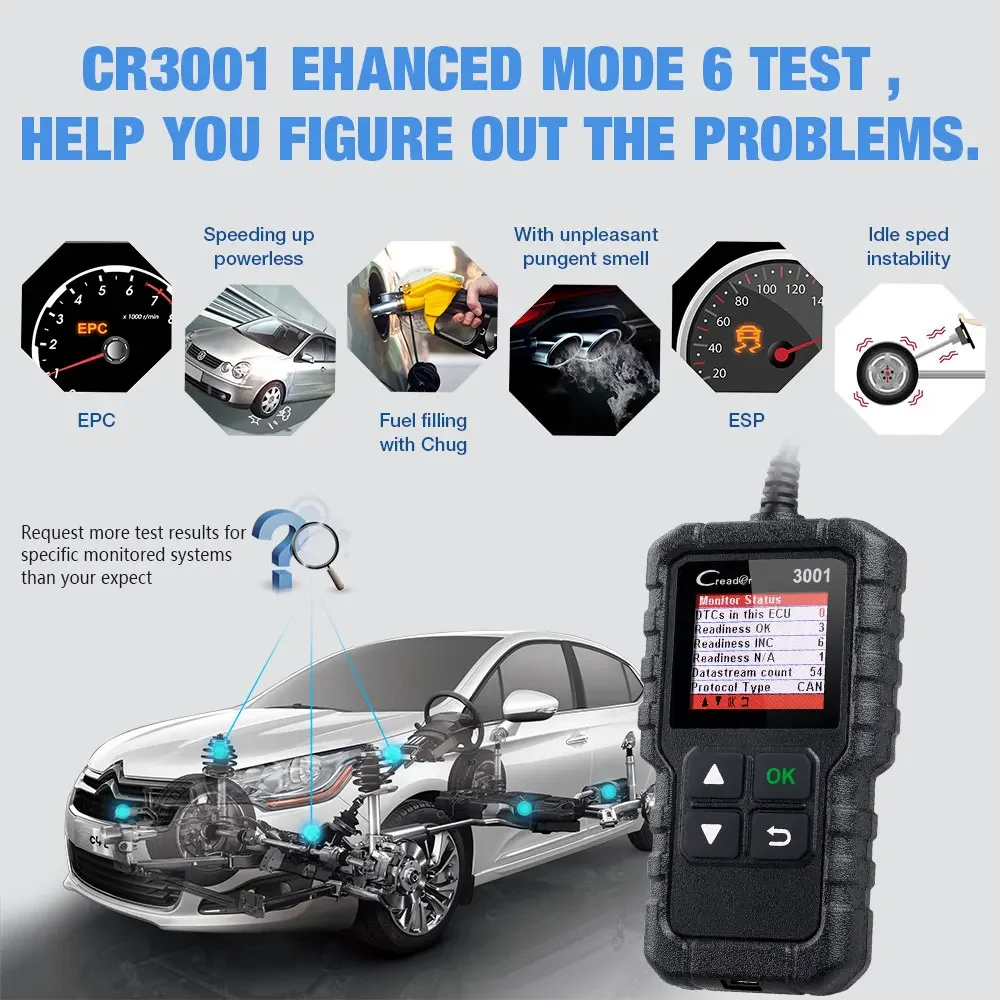
MODE 6: On-board Monitor Test MODE 8: EVAP Test
● Mode 6: On-board Monitor Test , Retrieves and displays test results for emission-related powertrain components and systems. Which is a way to find out if the engine has any misfire or compression problems on a particular cylinder, or other data that might indicate a problem but isn’t severe enough to trigger a check engine light.
● Mode 8: The EVAP test function lets you initiate a leak test for the vehicle's EVAP system, that prevents fuel from evaporating out of your tank and contributing to smog. After fixed a problem with the fuel system,you can verify your fix right away, without waiting a few days (or longer) for your car to run it automatically.
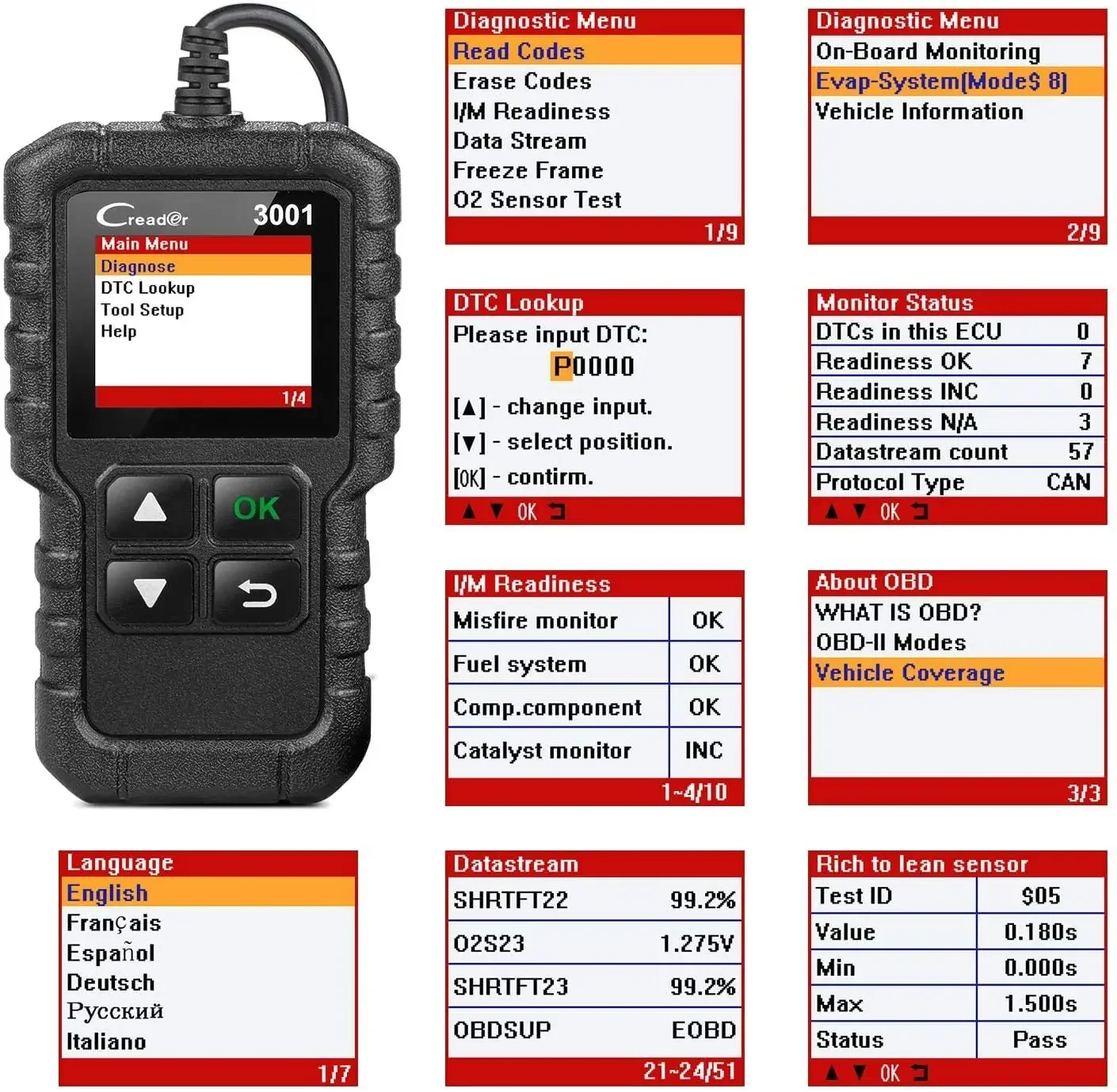
LAUNCH CR3001 Interface Function Display
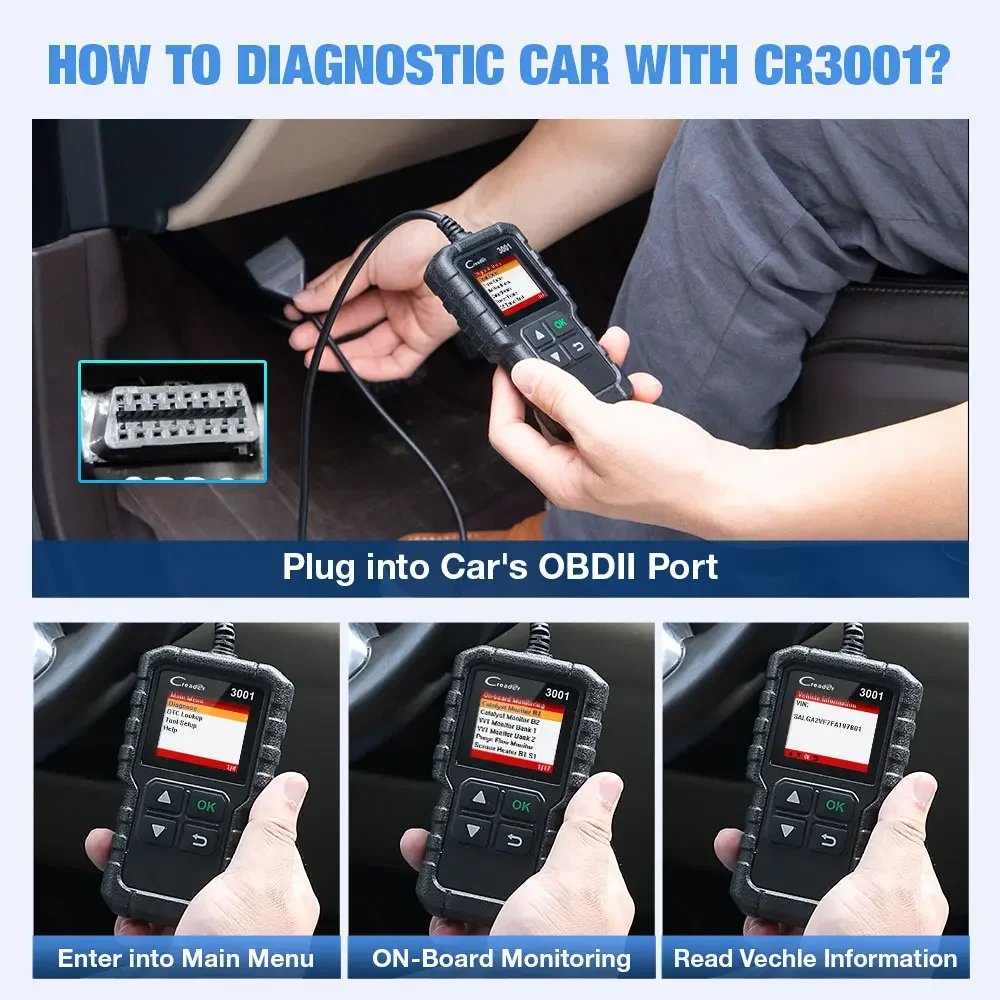
How to diagnostic car with CR3001?
Step 1 : Plug into Car's OBD2 Port
Step 2 : Enter into main Menu
Step 3 : On-Board Monitoring
Step 4 : Read Vehicle Information
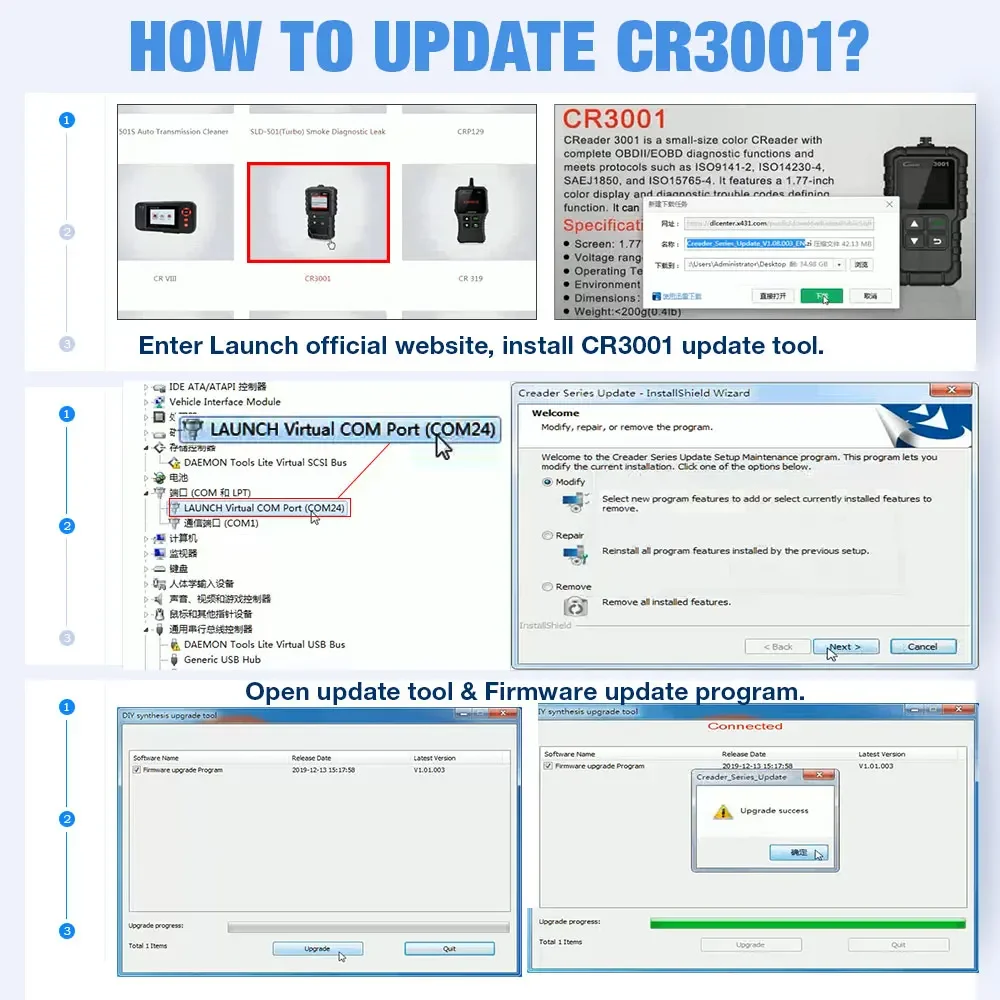
How to Update Launch CR3001 :
update website :https://eninfo.x431.com/prod_view.aspx?TypeId=68&Id=263&FId=t3:68:3
Step 1 : Download update tool from launch offical website , then install in your computer .
Step 2 : Connect CR3001 with computer use USB cable , pls install the driver well !
Step 3 : open update tool to Update , it will be ok .
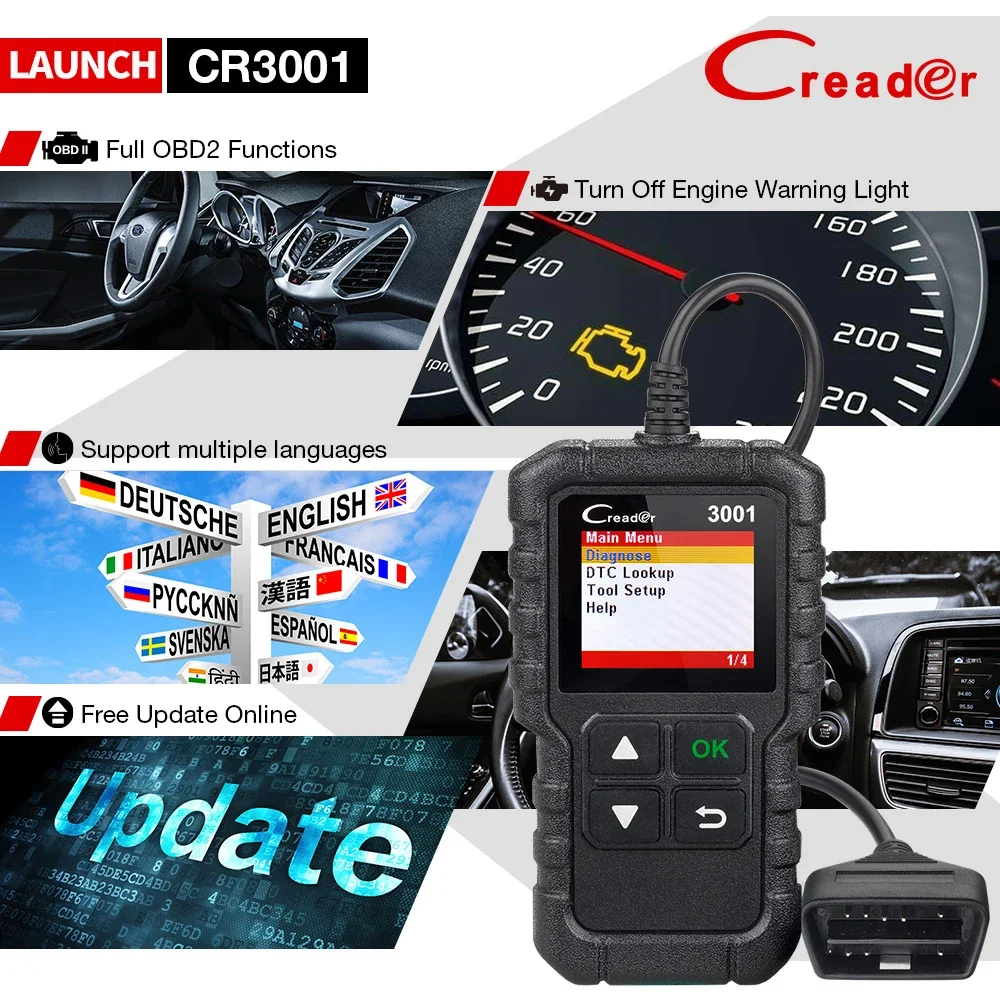
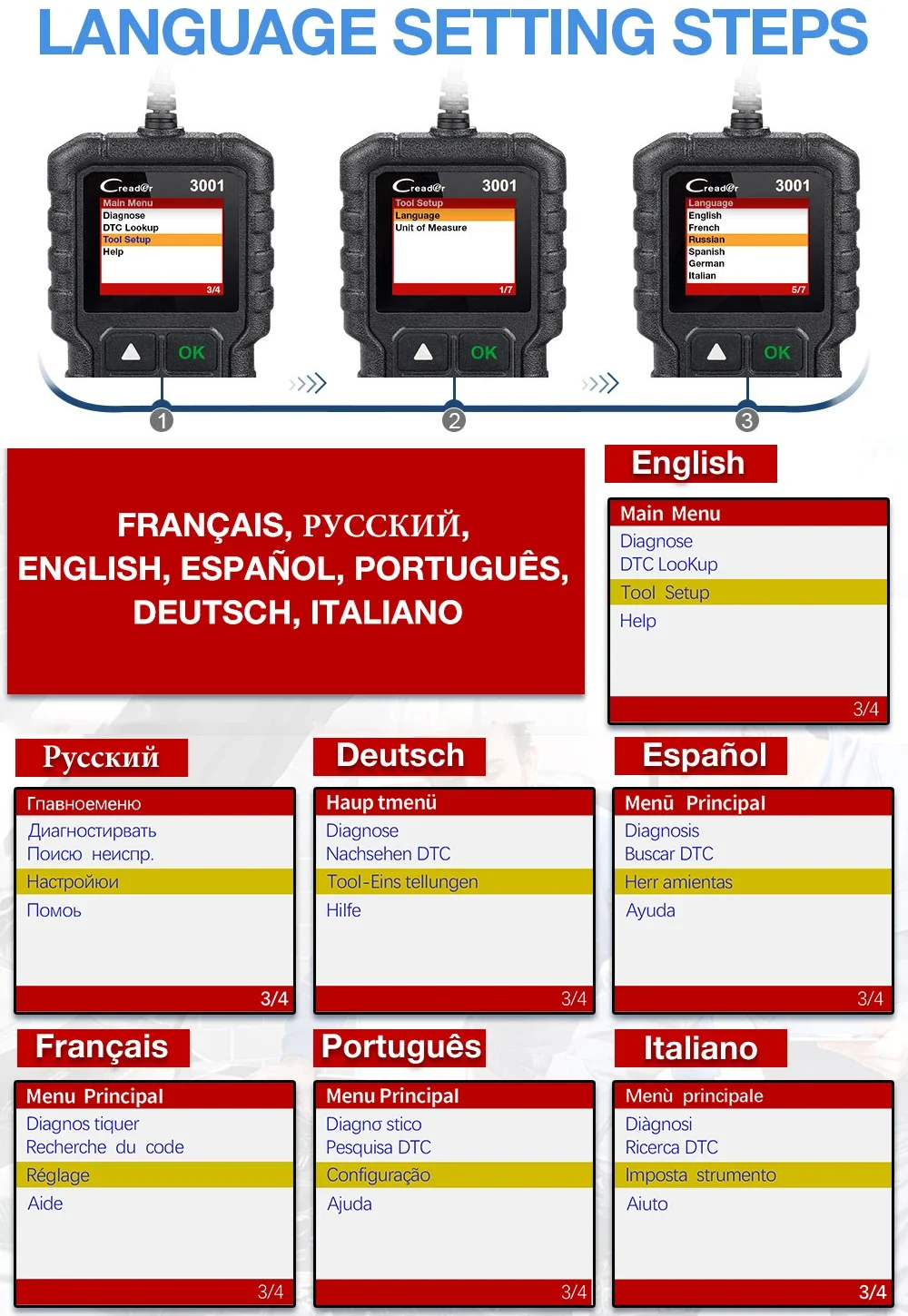
LAUNCH Creader 3001 support 8 languages:
English, French, German, Spanish, Japanese, Russian, Italian, Polish.
If you need LAUNCH t.e.c.h s-upport, please contact the store seller directly✍️
Device parameters
■ Screen:1.77 " TFT, 160*128dpi
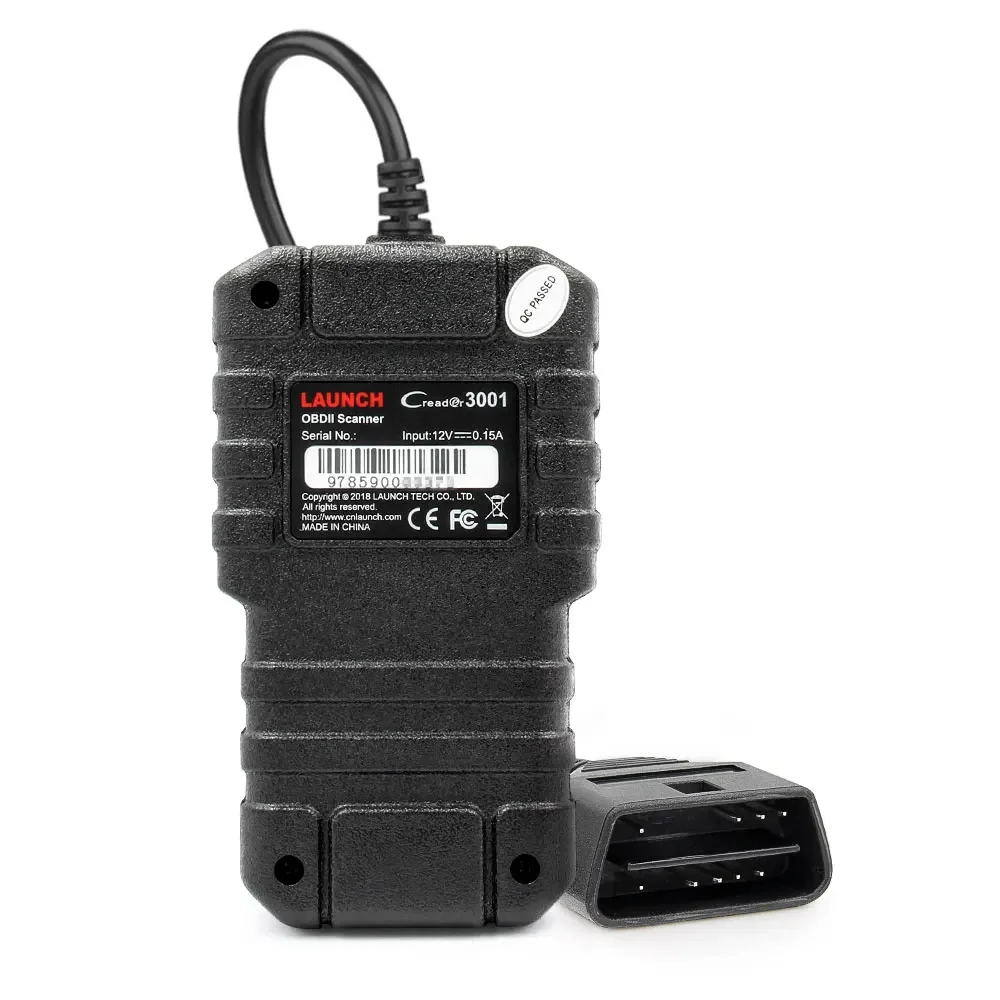
■ Voltage Range: 9-18V
■ Operating Temperature: 0℃ -50 ℃ (32 ℉ -122 ℉ )
■ Environment Temperature: -20 ℃ -70 ℃ (-4 ℉ -158 ℉ )
■ Dimension : 118mm*68mm*22.3mm(4.65" *2.68 " *0.88 " )
■ Weight: <200g