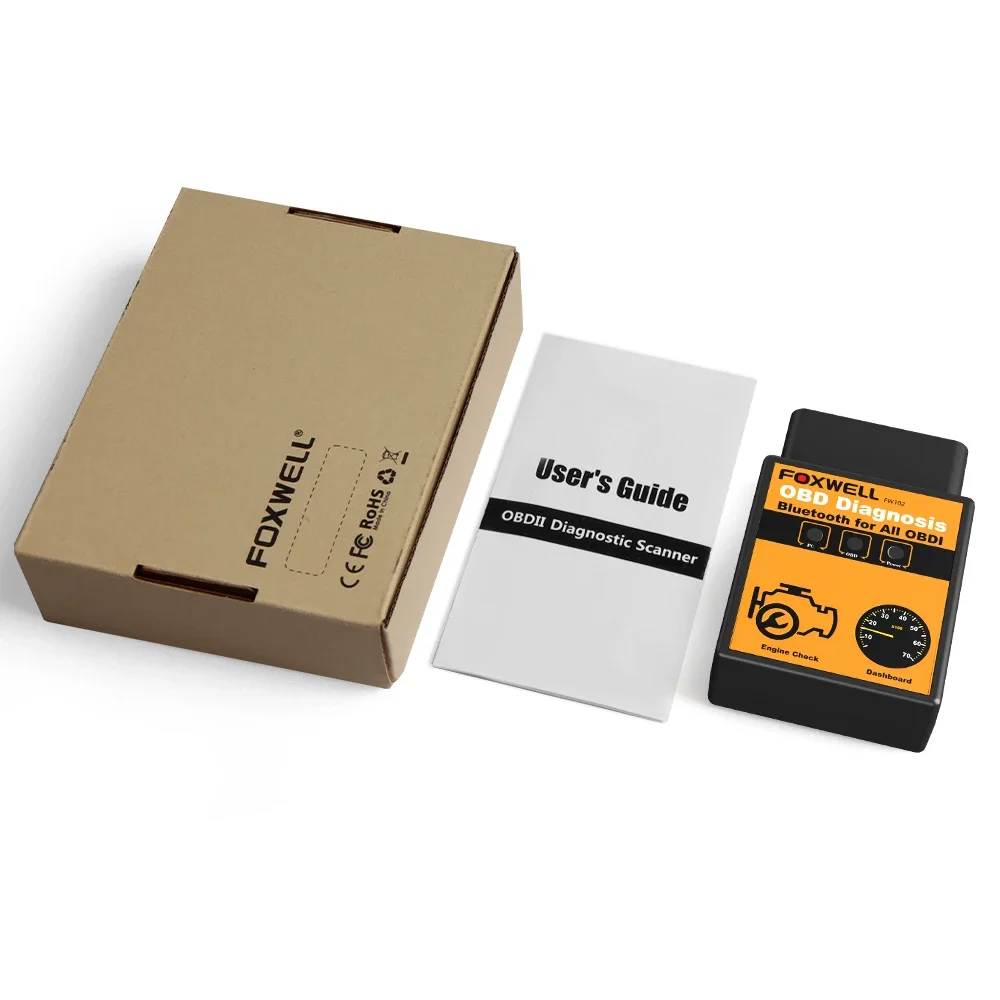
FOXWELL FW102 ELM327 Diagnostic Tool Android/IOS

FOXWELL FW102 ELM327 Diagnostic Tool Android/IOS
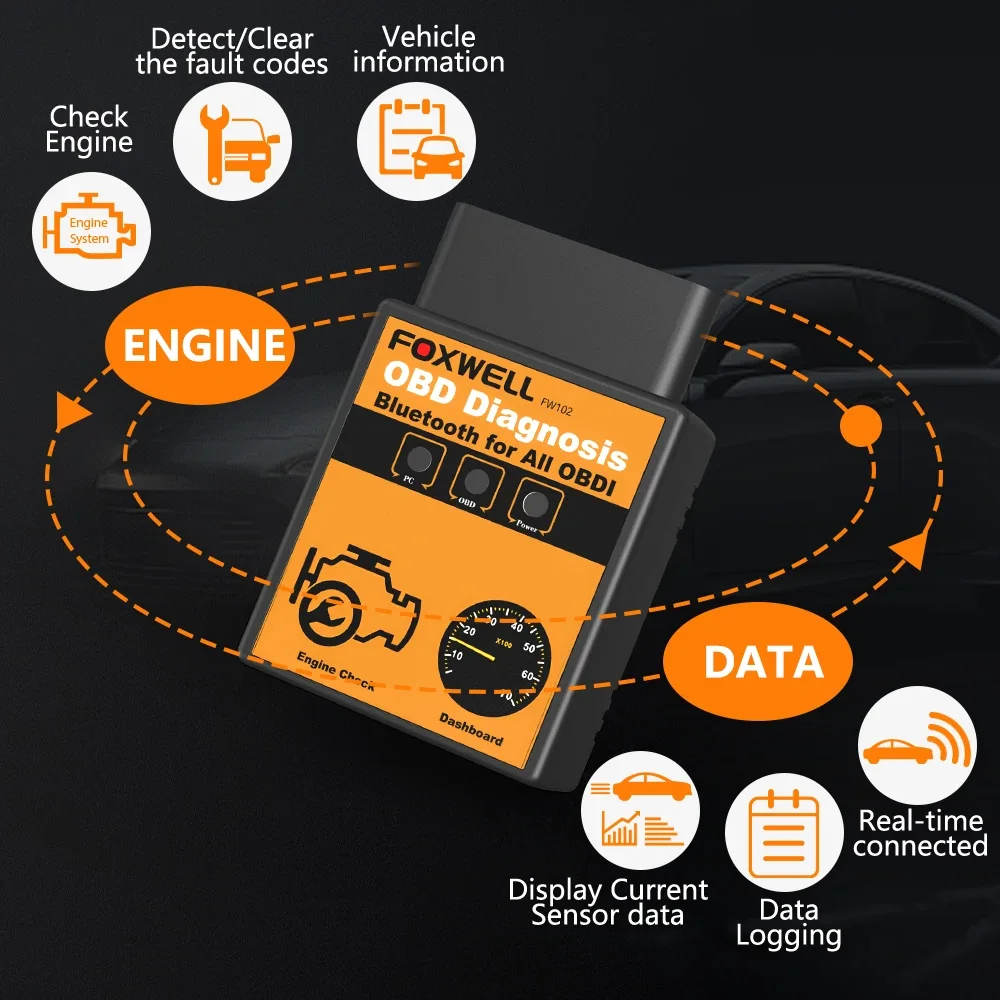
ELM327 V1.5 OBD2 Scanner support Functions List:
1. Engine Lights Check&Remove
2. Calculated Load Value
3. Coolant Temperature
4. Fuel System Status
5. Vehicle Speed
6. Short Term Fuel Trim
7. Long Term Fuel Trim
8. Intake Manifold Pressure
9. Timing Advance
10. Intake Air Temperature
11. Air Flow Rate
12. Absolute Throttle Position
13. Oxygen sensor voltages/associated short term fuel trims
14. Fuel System status
15. Fuel Pressure
……
ElM327 Language Supported
ELM327 APP supports Multi-Languages , The language of ELM327 depends on your mobile phone operating system.
Russian, Czech, Danish, German, English, Spanish, French, Croatian, Hungarian, Italian, Polish, Serbian, Turkish and so on
ELM327 V1.5 Works Almost 99% Standard OBD2 Protocols Car Models on the World
Our ELM327 works with 12 V gasoline and diesel vehicles Only. Please check car model from the list here at first .
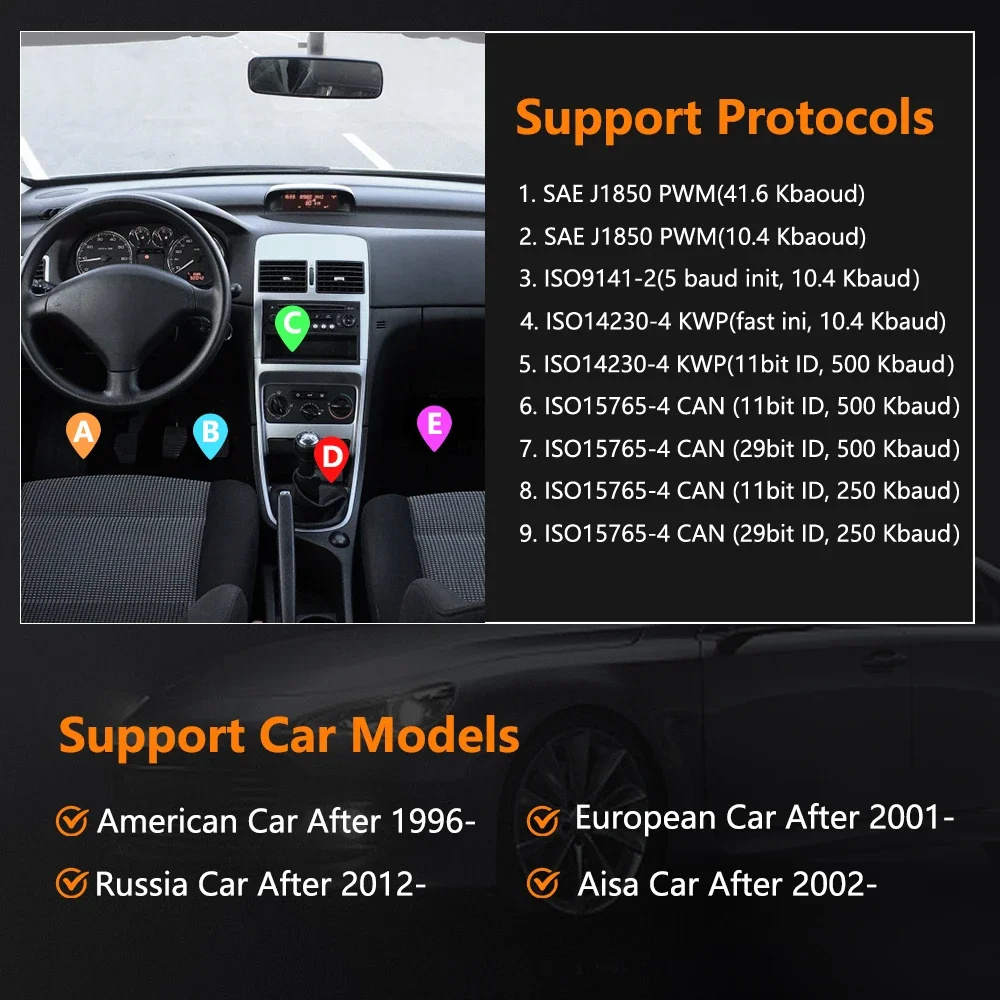
1. SAE J1850 PWM (41.6Kbaud)
2. SAE J1850 VPW (10.4Kbaud)
3. ISO9141-2 (5 baud init,10.4Kbaud)
4. ISO14230-4 KWP (5 baud init,10.4 Kbaud)
5. ISO14230-4 KWP (fast init,10.4 Kbaud)
6. ISO15765-4 CAN (11bit ID,500 Kbaud)
7. ISO15765-4 CAN (29bit ID,500 Kbaud)
8. ISO15765-4 CAN (11bit ID,250 Kbaud)
9. ISO15765-4 CAN (29bit ID,250 Kbaud)
A. SAE J1939 CAN (29bit ID,250*Kbaud)
B. USER1 CAN(11*bit ID,125*Kbaud)
C. USER2 CAN(11*bit ID,50*kbaud)
*default settings(user adjustable)
Car model list :
1. American car support car after 1998 year
2. European car support car after 2000 year
3. Asian car support car after 2002, (Japan & Korea & China & so on)
4. Russian cars support after 2012 year (VAZ/UAZ/GAZ car)
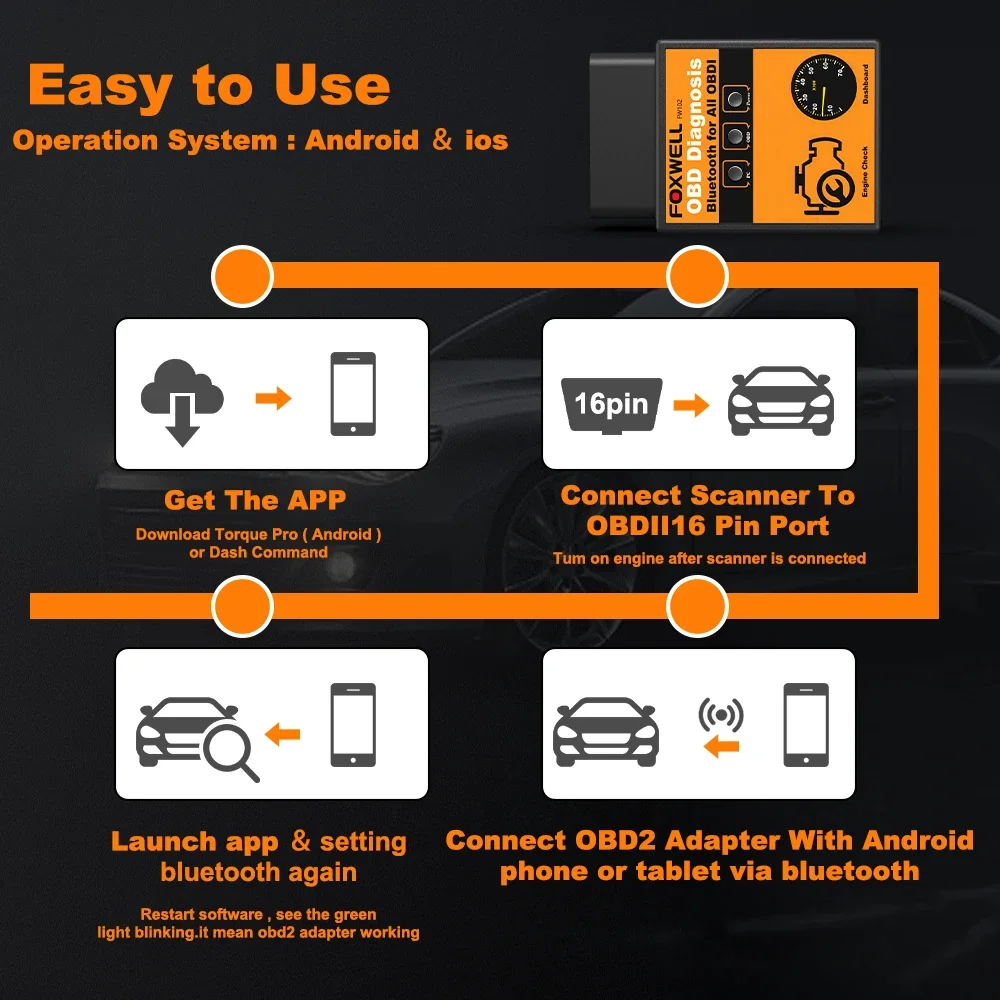
How to connect the phone to the ELM327 ?
A: On Android phone:
1. Open the "setting" of your android, and search BT from ELM327: OBDll, then input password 1234.
2. Open your Torque--etting---OBD2 Adapter Settins---Connection Type---BT---back---Choose
BT Device---OBDII [AA:BB:CC:11:22:33].
B: On IOS Phone:
1. Open WIFI switch
2.Find "V-LINK"Click to connect
3.open APP, click "Connection", connect the car with WIFI
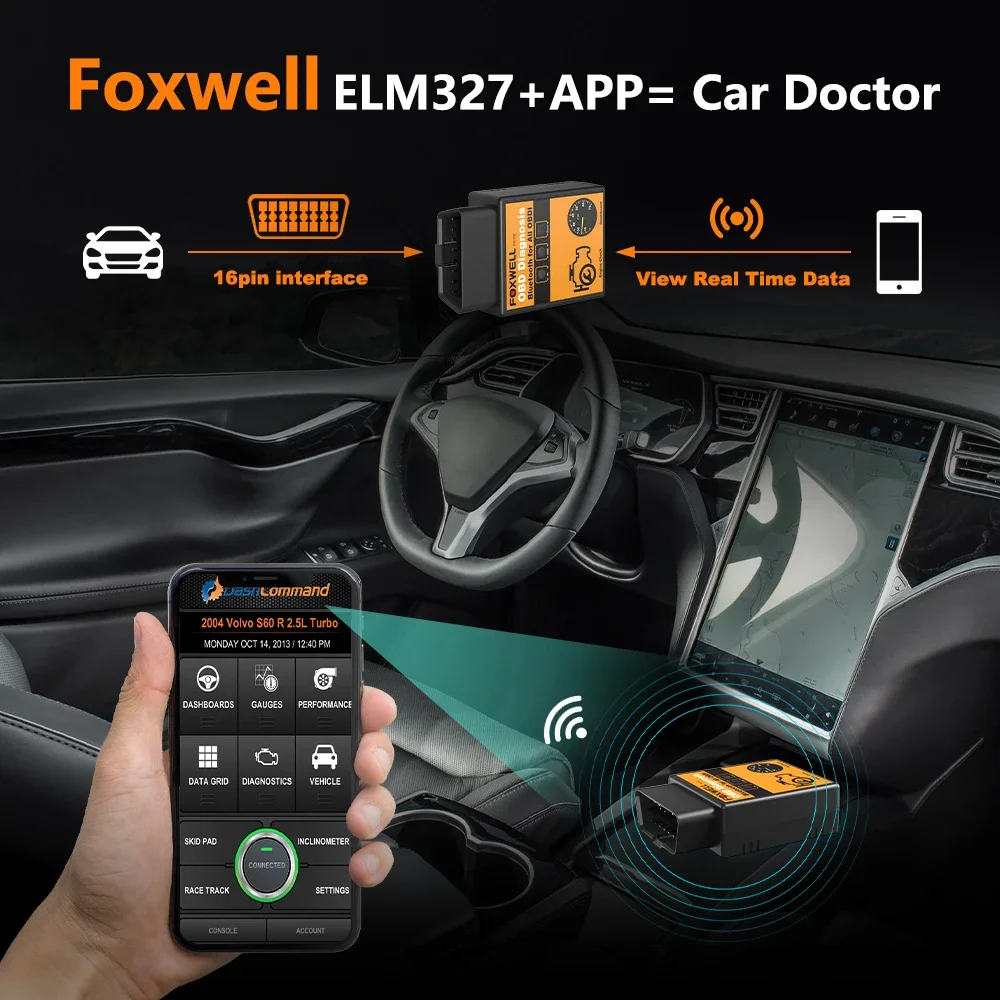
Bluetooth connections for Android, IOS devices with multiple apps
There's a device compatible with your Android/iOS smartphone or tablet. Read and clear options using Torque, OBD Car Doctor, Dash Command, EOBD and ScanMaster-ELM apps.
Packing list:
1 x Foxwell FW102 Bluetooth ELM327 obd interface
1 x Carton box